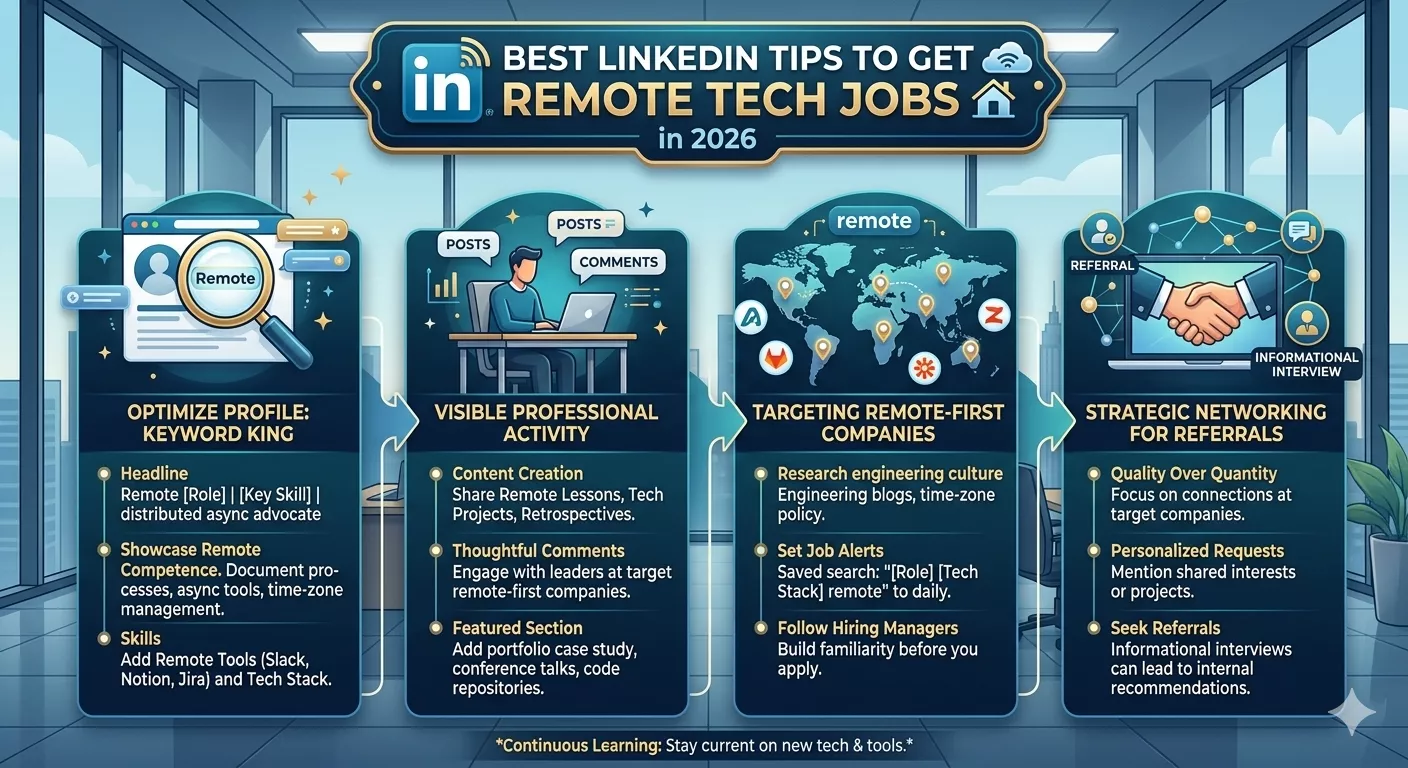
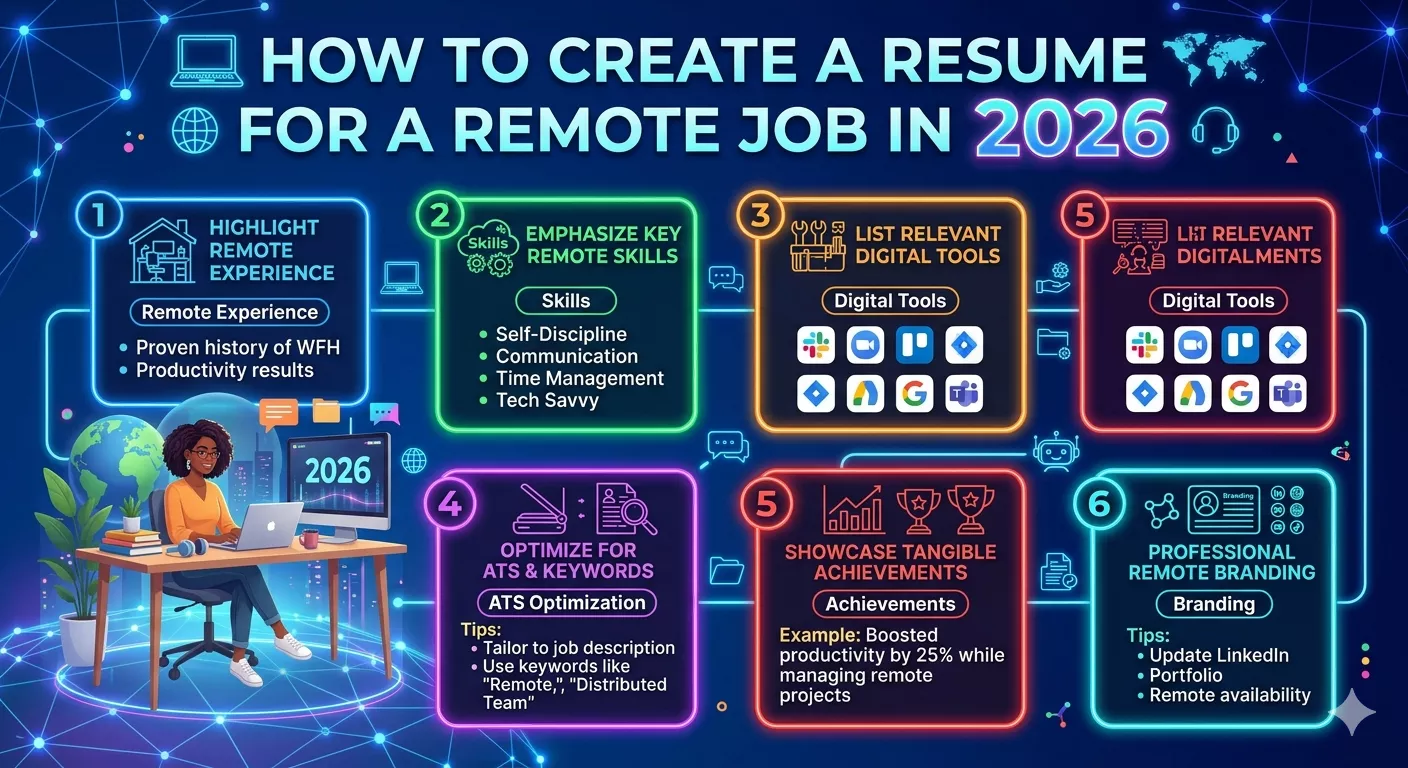
Most people create a resume for a remote job by taking their regular resume and adding the word “remote” somewhere near the top. That’s not how it works. And it’s probably why a lot of remote job applications don’t hear back. When you apply for a remote position, you’re competing against applicants from across the country or the entire world not just people within commuting distance. A hiring manager reviewing remote applications is asking one question before they even look at your experience: does this person know how to work without being in the same room as everyone else? Lets Learn How to Create Resume for Remote Job in 2026.
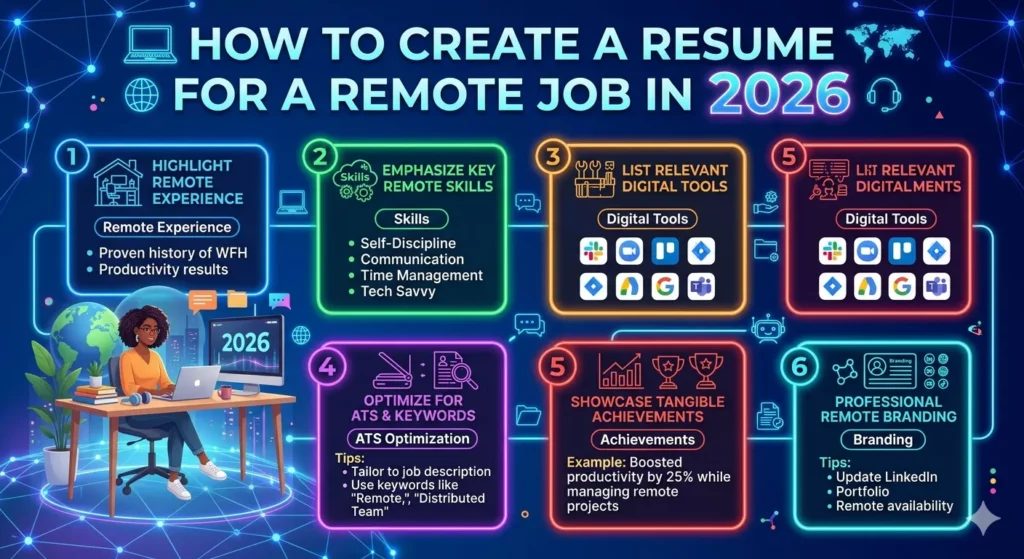
Your resume has to answer that question before they get to your work history. Here’s exactly how to create resume for remote job applications that actually get read.
Table of Contents
The Difference Between a Regular Resume and a Remote Resume — It’s Not Just a Word Change
A regular resume proves you have skills and experience. A remote resume does that and also proves you can operate independently, communicate in writing, manage your own time, and function inside a distributed team. Those are different proof points. And they require different framing throughout the resume not just a summary rewrite.
When you apply for an on-site job, the employer assumes you’ll show up, participate in team meetings, get guidance from your manager, and stay on top of tasks with in-person accountability systems around you. None of that exists in a remote role. The employer needs to see evidence that you’ve worked without those structures before and that you did it well.
So before touching your resume, ask yourself: where in my actual work history have I done things independently, communicated in writing, managed my own schedule, or worked with people in different locations? Those are the moments to find and surface. That’s what how to create resume for remote job well actually means at the practical level. Also Read: Are Cyber Security Jobs Remote?
Start With the Header — Remote Signals Go Here First
Most people’s resume headers look like:
John Smith | 1234 Oak Street, Dallas, TX 75001 | john@email.com | 555-0123
For a remote job application, update it to something like:
John Smith | Dallas, TX (Open to Remote) | john@email.com | linkedin.com/in/johnsmith
Drop the full street address. It’s unnecessary and it anchors you to a specific location in the reader’s mind before they’ve even started reading. Replace it with your city and state followed by “Open to Remote” or “Remote-Ready” or “Available Globally” — whatever fits the role you’re targeting.
Add your LinkedIn URL if your profile is current. Add your portfolio or GitHub if your field involves work samples. These aren’t optional extras on a remote resume they’re important because remote hiring managers can’t meet you in person before deciding to interview you. Your digital presence matters more.

Write a Summary That Says Remote Without Just Saying Remote
The resume summary sits below your header. It’s two to four sentences and it’s the first real text a hiring manager reads. Most people either skip it or write something vague about being “a results-driven professional.” For a remote resume, your summary should do three things:
Establish your professional identity. One sentence on who you are and what you do.
Signal remote readiness. One sentence that shows you’ve done this before or that you have the specific attributes that make remote workers effective — self-direction, async communication, distributed team experience.
Point toward what you bring. One concrete result or capability that’s relevant to the role.
Example for someone with prior remote experience:
“Marketing manager with 6 years of experience in content strategy and brand development, including 3 years working fully remotely with distributed teams across four time zones. Known for clear written communication, autonomous project management, and delivering campaigns on deadline without daily check-ins.”
Example for someone without prior remote experience:
“Software developer with 5 years of experience in full-stack development, currently transitioning to remote work. Strong written communicator with experience collaborating with cross-functional teams via Slack, Jira, and GitHub. Comfortable with asynchronous workflows and self-directed project management.”
Notice what the second example does it acknowledges no prior remote experience without apologizing for it, and immediately pivots to the tools and working styles that transfer. Also Read: How do Taxes Work for Remote Jobs?
The Work Experience Section — How to Frame Remote History That Actually Convinces Hiring Managers
This is where most remote resumes either win or lose.
If you’ve had remote or hybrid roles, mark them clearly. Right next to the job title:
Content Strategist (Remote) | Acme Corp | 2022–2024
Software Engineer (Hybrid) | TechStart Inc | 2021–2022
If a significant portion of your work history was remote, consider splitting it into two sections — Remote Work Experience and Additional Work Experience. This immediately signals that you’re a seasoned remote worker before the manager has read a single bullet point.
If none of your roles were officially remote — look at what you actually did. Did you collaborate with offices in other cities? Manage projects without daily supervision? Work with vendors or clients in different locations? Those count. Frame them accordingly:
Before:
Managed social media accounts for three clients
After:
Managed social media strategy for three remote clients across US and UK markets, coordinating weekly through Zoom and async Slack updates — achieving 32% average engagement growth within six months
The second version tells a different story. Same job. Completely different signal to a remote hiring manager.
The Remote Skills Section — What Employers Are Actually Looking For
There are two categories of skills that matter for remote job applications in 2026.
Tools proficiency — the specific software that remote teams run on. Listing them tells hiring managers you won’t need an onboarding period to figure out how to communicate or manage tasks.
Must-know remote tools by category:
| Category | Tools to List |
|---|---|
| Communication | Slack, Microsoft Teams, Zoom, Google Meet |
| Project Management | Asana, Trello, Jira, Monday.com, Notion, ClickUp |
| Documentation | Confluence, Notion, Google Docs, Loom |
| File Sharing | Google Drive, Dropbox, OneDrive |
| Time Tracking | Toggl, Clockify, Harvest |
| Collaboration | Miro, Figma, GitHub, Linear |
Only list tools you’ve actually used. Don’t pad this section with tools you’ve opened once. Hiring managers notice when someone lists fifteen tools but can’t speak to how they used them in an interview.
Remote-specific soft skills — these are harder to list and easier to prove through your bullet points. The ones that genuinely matter:
- Proactive communication — sharing updates before being asked
- Written clarity — explaining complex things in writing without back-and-forth
- Async workflow comfort — delivering results without real-time oversight
- Self-management — hitting deadlines without external reminders
- Virtual relationship building — forming working relationships with people you rarely meet in person
Don’t just list these as phrases. Prove them in your work experience bullets. “Drafted weekly async update emails that reduced follow-up questions by 40% and kept 18 distributed team members aligned” is worth more than “strong communicator” in a skills section. Also Read: What is Chat Support Remote Jobs?

How to Handle Time Zone Availability — A Detail Most People Skip
This is one of the most overlooked elements when figuring out how to create resume for remote job applications for global companies.
Remote companies often hire across multiple time zones and they need to know upfront whether you can overlap with their core team hours. If you’re applying to a US company from another country, or to a global company where the core team is in a different timezone than you — state your availability.
You can do this in your summary or in a brief “Availability” line in your contact section:
Available for collaboration across EST/PST time zones (UTC-5 to UTC-8)
Open to async work with 4-hour overlap with CET business hours
This doesn’t disqualify you from anything. It shows self-awareness and saves everyone time. A company that needs six hours of overlap with Eastern Time will appreciate knowing early. A company fully async won’t care and will move on. Either way, being explicit beats making them ask.
ATS Optimization — Why Your Remote Resume Has to Use the Right Keywords
Applicant Tracking Systems scan resumes before a human sees them. Remote job postings — especially on platforms like LinkedIn, Indeed, and We Work Remotely — are high-volume. At competitive companies, ATS filters reduce hundreds of applications to a shortlist before the first human review.
To get through ATS when you create resume for remote job applications:
Use exact phrases from the job posting. If the job description says “asynchronous communication,” use that phrase — not “async work” or “remote collaboration.” ATS systems match strings. Don’t paraphrase job requirements in your resume.
Include remote-specific keywords naturally. Terms like: remote work, distributed team, async communication, work from home, remote-first, virtual collaboration, self-directed, independently managed, cross-functional remote team. These are the terms hiring managers and ATS systems are scanning for.
Don’t put keywords in headers or footers. Many ATS systems can’t read content in headers and footers. Keep everything important in the main body.
Use a clean format. Tables, graphics, text boxes, and unusual fonts break ATS parsing. Use a standard resume format clean sections, simple fonts, clear headings. One column or two columns max. PDF format unless the job posting specifically requests a Word document. Also Read: Do Remote Jobs Send you a Check for Equipment?
What to Add That Most Remote Resumes Don’t Have
A few optional sections that genuinely add value on a remote resume and that most candidates skip.
Remote work certifications. Courses specifically about remote work, async collaboration, or digital project management signal intentional preparation. Coursera, LinkedIn Learning, and platforms like Remote-How offer certifications that are genuinely valued by remote-first companies.
Side projects or freelance work. Even if not formally employed, freelance projects or independent contract work demonstrates you can manage your own time, communicate with clients in writing, and deliver results without a manager physically present. These belong on a remote resume even when people wouldn’t think to include them on a traditional one.
Home office setup note. Some remote job descriptions explicitly ask about your setup reliable internet, dedicated workspace, hardware. If it’s relevant to the role, a brief line in your summary or a sidebar note about your remote work setup isn’t unusual and can be reassuring to an employer.
Timezone and availability. Already covered above but worth repeating employers care about this more than most candidates realize. State it clearly somewhere on the document.
The Biggest Mistakes People Make When Creating a Remote Resume
Applying with the same resume they use for in-office jobs. The experience section might be identical but nothing in the framing signals remote readiness.
Listing remote tools without showing how they used them. “Proficient in Slack and Asana” means nothing without a bullet point that shows you actually coordinated something through those tools.
Writing generic soft skills without proof. “Excellent communicator,” “team player,” “self-motivated” — these are on every resume. What differentiates a remote resume is attaching these to specific outcomes. Don’t claim it. Prove it.
Forgetting to signal remote intent in the header. If a company hires both remote and on-site staff, your resume needs to make clear which you’re applying for — from the very first line. Don’t make the hiring manager guess.
Making it too long. Remote hiring managers review a lot of applications. One page for under five years of experience. Two pages maximum for senior candidates. Three pages is too many almost always.
Quick Checklist — How to Create Resume for Remote Job Applications
Before you hit submit, run through this:
| Element | Done? |
|---|---|
| Header shows city/state + “Remote” or “Open to Remote” | ☐ |
| Full street address removed | ☐ |
| LinkedIn URL included and profile is current | ☐ |
| Summary mentions remote readiness or async experience | ☐ |
| “(Remote)” or “(Hybrid)” noted next to relevant past roles | ☐ |
| Bullet points show results, not just responsibilities | ☐ |
| Remote tools listed with actual context of use | ☐ |
| Keywords from the job posting appear naturally in the resume | ☐ |
| Time zone availability stated if relevant | ☐ |
| Clean format — no tables, graphics, or unusual fonts | ☐ |
| One to two pages maximum | ☐ |
Knowing how to create resume for remote job applications is about more than reformatting what you already have. It’s about telling a different story one that proves you can operate without being physically present and that you’ve thought seriously about what remote work actually requires.
Get the header right. Write a summary that signals remote readiness immediately. Frame your experience around independence and digital collaboration. Prove soft skills with numbers. Match the job posting’s language. Do those five things and your remote resume will be in the top tier of applications because most candidates are still submitting the office version with “remote” typed at the top. That’s not you anymore.