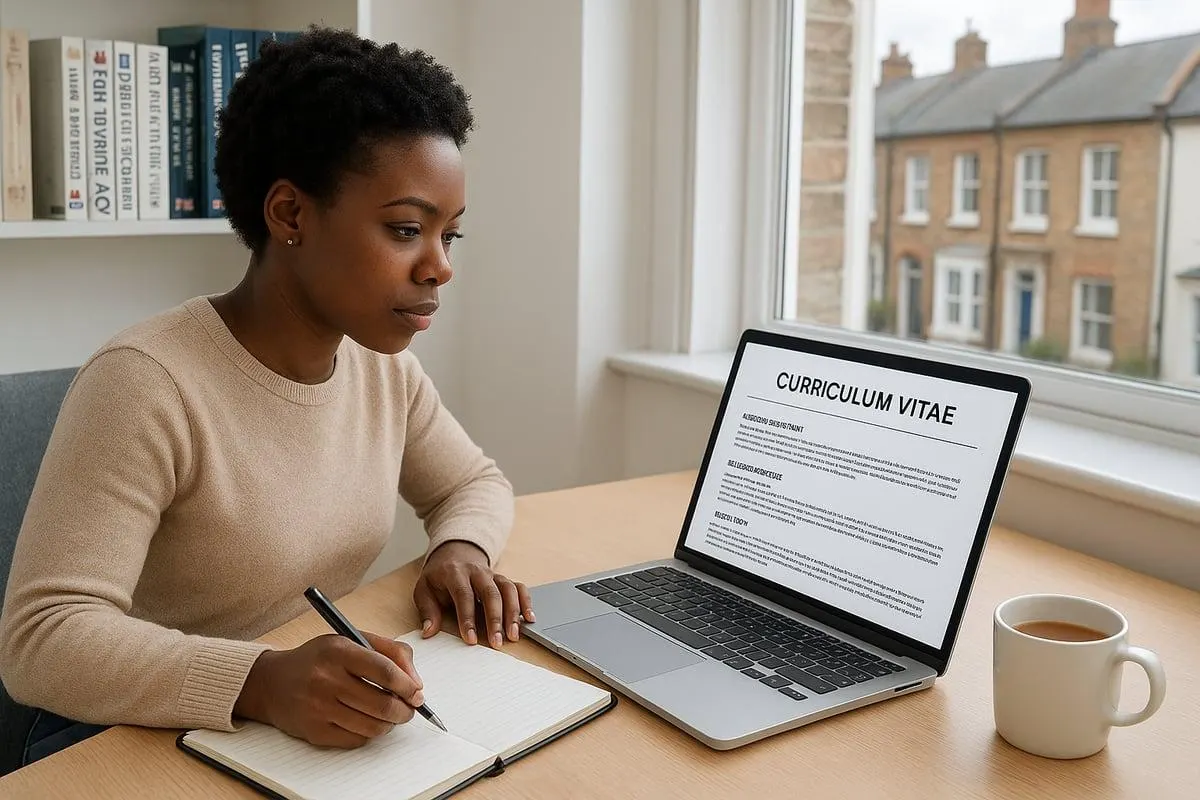
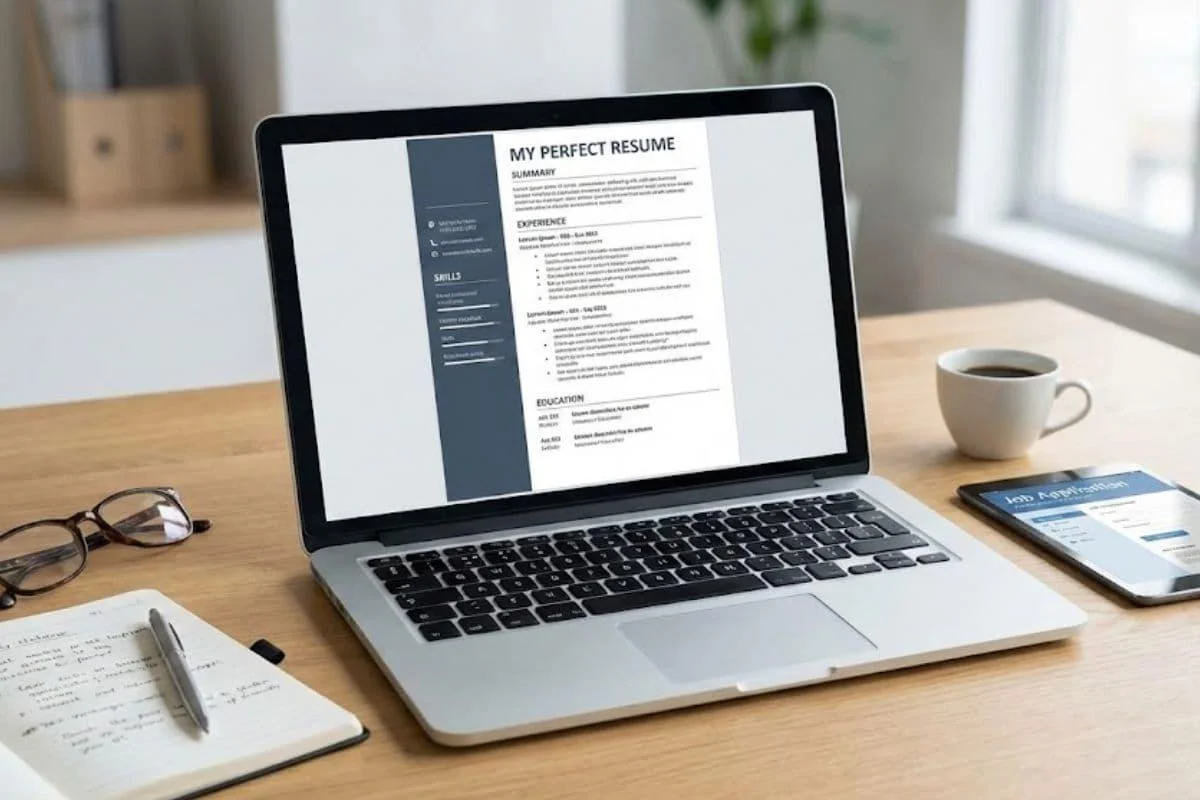
A strong remote IT job resume does more than list your technical qualifications. It shows employers that you can solve problems, communicate clearly, and deliver results while working outside a traditional office. If you’re applying for a remote help desk, software development, cybersecurity, or cloud support position, your resume needs to demonstrate two things: that you can handle the technical responsibilities and that you’re prepared to collaborate with people in different locations. This guide covers practical resume examples, essential technical skills, applicant tracking system (ATS) formatting, and ways to present remote-work experience, even if you’ve never held a fully remote job.
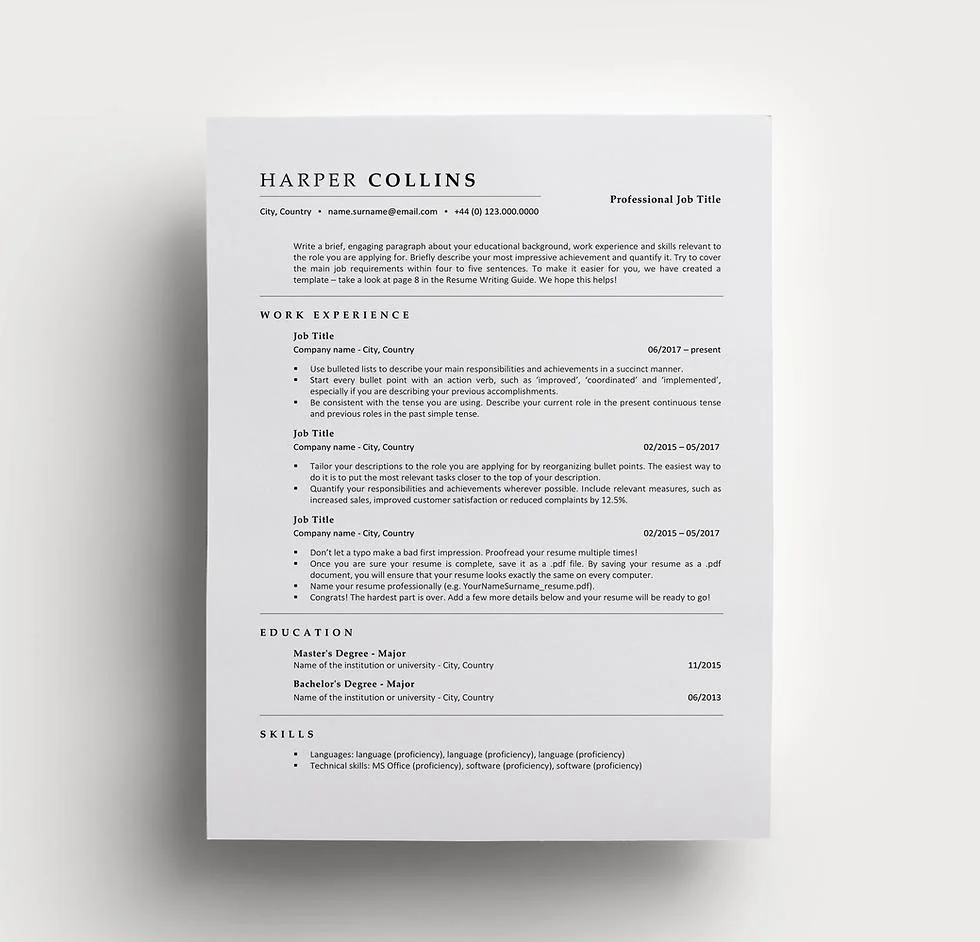
Table of Contents
What Makes a Remote IT Job Resume Different?
A remote IT resume includes the same fundamental information as a traditional technology resume: experience, technical abilities, qualifications, and achievements. The difference is how you demonstrate your ability to work independently and collaborate digitally. For example, a software developer applying for an office-based position might emphasize programming languages and completed applications. For a remote development position, the same developer could also highlight code reviews, written technical documentation, and collaboration through GitHub or Jira.
Those details help employers understand how you contribute when teammates aren’t sitting in the same room. However, remote-work skills should never replace your actual technical qualifications. A developer still needs development experience, and an IT support applicant still needs troubleshooting knowledge. The strongest resume connects both.
How to Structure a Remote IT Job Resume
An effective resume should be easy to read, with relevant information visible without excessive scrolling or searching. The following structure works for many technology applicants.
| Resume Section | What to Include |
| Contact Information | Name, professional email, location, LinkedIn, relevant portfolio |
| Professional Summary | Target role, strongest qualifications, relevant remote experience |
| Technical Skills | Programming languages, systems, platforms, support tools |
| Work Experience | Responsibilities, achievements, and relevant collaboration |
| Projects | Practical examples, GitHub repositories, or technical portfolios |
| Education and Certifications | Relevant qualifications, courses, and certificates |
For candidates with substantial professional experience, employment history should usually take priority over academic projects. Beginners may benefit from positioning relevant technical projects and training more prominently.
1. Write a Clear Professional Summary
A resume summary should explain what kind of professional you are, what relevant capabilities you offer, and why you’re suitable for the role. Avoid vague statements about being passionate, motivated, or hardworking unless your experience provides meaningful evidence.
Example for an experienced IT support specialist:
“IT Support Specialist experienced in Windows troubleshooting, Microsoft 365 administration, and technical ticket resolution. Skilled in documenting solutions, assisting users through remote support tools, and coordinating with distributed technical teams.”
Example for an entry-level candidate:
“Entry-level IT support candidate with practical training in computer troubleshooting, networking fundamentals, and Windows administration. Developed technical documentation through independent projects and familiar with virtual collaboration tools.” The second example focuses on relevant training without pretending that the candidate has previously worked professionally in IT.
2. Organize Your Technical Skills by Role
Listing every technology you’ve encountered doesn’t make a resume stronger. An employer hiring a remote help desk technician may care about Windows, Microsoft 365, Active Directory, and customer support tools. A software engineering position could require JavaScript, React, databases, Git, and automated testing. Use the job description to identify the skills that matter most. Organize your technical skills into short, readable categories such as programming languages, operating systems, cloud platforms, databases, and collaboration tools. Include only technologies you can discuss confidently in an interview.
3. Show Achievements Instead of Repeating Duties
Experience descriptions should explain what you contributed, not simply what the position required. Compare these examples.
Weak description:
“Responsible for answering IT support tickets and helping employees.”
Stronger description:
“Resolved employee login, software, and device-related support requests through a ticketing system, documenting troubleshooting steps and escalating complex issues.”
The second version explains the work more precisely and identifies how it was performed. If you have reliable performance data, you can strengthen the statement further by adding your actual ticket volume, resolution rate, or response time. Never insert guessed percentages or achievements simply because they sound impressive.
Remote IT Job Resume Examples for Different Roles
The right resume depends on the position you’re targeting. Here are two illustrative examples that show how to present technical capabilities and remote-work skills. The examples below are fictional templates. Replace all sample content with your own verified experience and qualifications.
Example 1: Entry-Level Remote IT Support Resume
Alex Morgan
Austin, Texas | Professional Email | LinkedIn Profile
Professional Summary
Entry-level IT support candidate with hands-on training in Windows troubleshooting, basic networking, and technical documentation. Comfortable explaining technical solutions clearly, investigating software problems, and organizing support requests.
Technical Skills
- Windows 11, basic networking, DNS and VPN fundamentals
- Microsoft 365, computer troubleshooting, account management
- Help desk ticket documentation and remote communication
Relevant Projects
Personal IT Troubleshooting Portfolio
- Documented common Windows and Wi-Fi troubleshooting scenarios using a structured support-ticket format.
- Practiced resolving application installation errors and user account issues in a personal test environment.
- Prepared written guides explaining troubleshooting steps for non-technical users.
Training
Relevant IT support training and completed coursework. This format is suitable for someone who has developed genuine technical skills but hasn’t yet secured professional IT employment.
Example 2: Experienced Remote Software Developer Resume
Jordan Lee
Manchester, UK | Professional Email | GitHub | LinkedIn
Professional Summary
Full-stack software developer experienced in building and maintaining web applications with React, Node.js, and relational databases. Skilled in collaborative development, Git-based workflows, code reviews, and documenting technical decisions for distributed teams.
Technical Skills
- Frontend: JavaScript, TypeScript, React, HTML, CSS
- Backend: Node.js, REST APIs
- Databases: PostgreSQL
- Collaboration: GitHub, Jira, Microsoft Teams
Professional Experience
Full-Stack Software Developer | Previous Employer
- Developed and maintained customer-facing application features using React and Node.js.
- Collaborated with developers and QA specialists through pull requests, issue tracking, and documented code reviews.
- Investigated reported defects, implemented fixes, and communicated progress through project tickets.
- Prepared technical documentation to support application maintenance and team handovers.
Selected Projects
Production applications, relevant GitHub repositories, or approved portfolio case studies. This example emphasizes relevant engineering work while showing how technical collaboration happens remotely. If you have measurable accomplishments, add those to the appropriate employment bullets. For example, a verified reduction in page load time or successful delivery of a major feature provides stronger evidence than a broad claim about productivity.
Essential Remote Work Resume Skills for IT Professionals
Remote IT employers need technical competence, but the ability to communicate and organize work also matters. Choose skills based on your particular career path.
Technical Skills
The following categories can help you identify what belongs on your resume.
IT Support: Windows, macOS, troubleshooting, ticket management, account administration, networking fundamentals, and remote assistance.
Software Development: Relevant programming languages, application frameworks, Git, APIs, testing, and databases.
Cybersecurity: Network security, identity and access management, security monitoring, incident documentation, and relevant security tools.
Cloud and DevOps: Cloud services, Linux, infrastructure management, CI/CD, monitoring, and automation technologies.
Not every position requires all these skills. Select the ones you genuinely possess that match the employer’s requirements.
For a broader overview, see our guide to skills for remote IT jobs.
Communication and Collaboration Skills
Written communication is especially relevant when colleagues work in different locations or time zones. IT professionals may need to explain technical issues through tickets, document changes, review code asynchronously, or coordinate with stakeholders who aren’t immediately available Rather than listing “excellent communication skills,” demonstrate them through real work. For example:
“Prepared troubleshooting documentation that allowed colleagues to follow consistent steps when resolving recurring software issues.” This communicates a specific contribution and its practical purpose.
Time Management and Independent Work
Remote employees may need to organize priorities without continuous supervision. Experience managing assigned tickets, delivering development tasks, or reporting project progress can demonstrate that ability. You don’t need previous fully remote employment to show these skills. Relevant experience from office-based work, freelance projects, internships, or volunteering can also count.
How to Make an ATS-Friendly Resume for IT Support and Tech Jobs
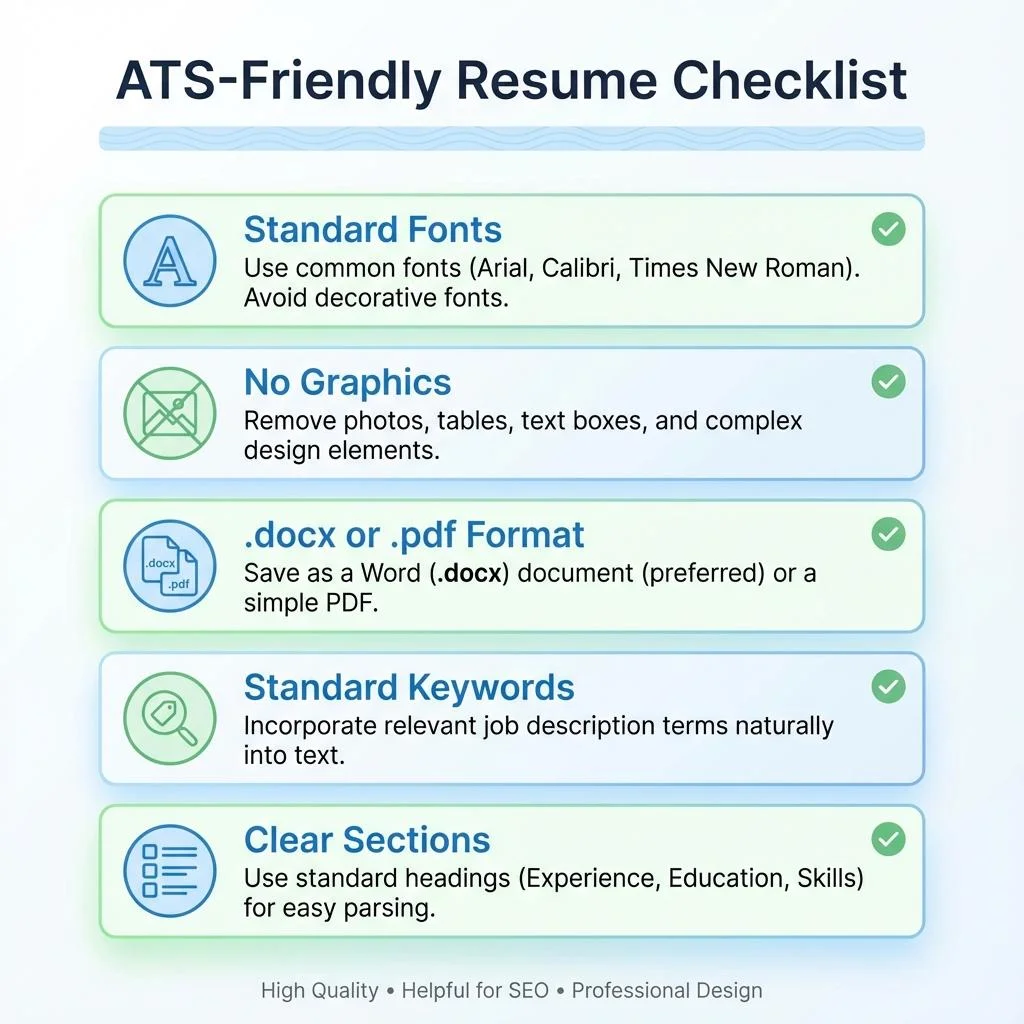
An Applicant Tracking System (ATS) is software employers use to manage applications. Some systems also support resume parsing, searching, filtering, and screening. Different employers use different systems and hiring processes. No particular resume format can guarantee that your application passes an automated screening process. However, a clean layout helps both software and human recruiters interpret your information.
Keep the Design Simple
Use a single-column layout with recognizable headings such as Work Experience, Technical Skills, Projects, and Education. Avoid placing important information inside complex tables, floating text boxes, decorative graphics, or page headers and footers. Choose a readable font such as Arial or Calibri, use consistent spacing, and arrange your experience in a logical order.
Use Relevant Keywords Naturally
Read the job description and identify the technologies, responsibilities, and qualifications that match your actual experience. If a help desk role asks for Microsoft 365 administration and ticket management, use those terms when they’re accurate descriptions of your skills.
Don’t add unrelated technologies or repeat the same keyword throughout the document. Keyword matching is only one part of recruitment. Employers also evaluate experience, qualifications, and the relevance of your application.
Choose an Appropriate File Format
Follow the employer’s application instructions. When no format is specified, a standard DOCX file or a text-based PDF is often suitable, depending on the application platform.
After exporting, open the document and check the formatting. Make sure the text can be selected and copied correctly. Avoid sending a scanned image of your resume unless specifically requested.
How to Write an IT Resume With No Remote Experience
Not having previous remote employment doesn’t automatically disqualify you. Employers may consider other evidence that you can communicate online, manage assignments, and complete technical work independently. For example, someone who previously worked on-site might have collaborated with colleagues through Microsoft Teams, maintained shared documentation, or managed tasks in Jira. These experiences can be included without misrepresenting the job as remote.
If you’re entering IT for the first time, practical projects become especially valuable. A beginner interested in technical support could create documented troubleshooting scenarios. An aspiring developer could showcase completed applications, while a junior QA tester might provide sample test cases and bug reports.
Label independent work clearly as projects rather than professional employment. If you’re still exploring career options, read our guide to remote IT jobs with no experience.
Should You Include Your Location and Time Zone?
Yes, including your general location can help employers understand whether you meet their hiring requirements. You usually don’t need to provide your complete street address. A city and country, or city and state, are typically sufficient unless the application requires more details. For international remote applications, time-zone availability may be relevant when the employer specifies working-hour overlap. You can mention genuine availability in your application or cover letter.
Avoid presenting yourself as eligible to work in a country unless you actually meet its requirements. Some remote positions are restricted to particular countries, states, or employment arrangements. Also remember that UK employers generally use the term CV, while US employers commonly request a resume. Follow the conventions and instructions of the organization you’re applying to.
Common Remote IT Resume Mistakes to Avoid
A common mistake is using exactly the same resume for every technology position. A cloud engineer and an IT support technician may both work remotely, but employers evaluate different technical abilities. Other problems include overcrowded layouts, unexplained technical jargon, broken portfolio links, and claims that don’t match the candidate’s experience. Some applicants also list remote collaboration tools without demonstrating how they used them.
For example, writing “Slack, Jira, Zoom” tells a recruiter very little on its own. Explaining that you tracked development issues through Jira or delivered documented handovers to colleagues provides stronger context. Finally, don’t allow resume formatting to distract from the content. A clean, accurate resume is more useful than an elaborate design that hides important qualifications.
Final Remote IT Job Resume Checklist
Before submitting your application, review these essentials:
- Contact details, portfolio links, and location are accurate.
- Professional summary matches the target position.
- Relevant technical skills appear clearly.
- Work history explains responsibilities and achievements.
- Remote collaboration skills are demonstrated truthfully.
- Projects and certifications are accurately labeled.
- Formatting is simple and readable.
- Keywords reflect the job description naturally.
- Resume file format matches employer instructions.
- Spelling, dates, links, and exported formatting have been checked.
A final review takes little effort compared with the work involved in finding and applying for a suitable position.
Frequently Asked Questions
What should I include in a remote IT job resume?
Include your contact details, professional summary, technical skills, relevant work experience, projects, and qualifications. Highlight real examples of remote collaboration and independent work where applicable.
How do I write a remote tech resume with no experience?
Focus on relevant training, practical projects, internships, and transferable skills. Show what you’ve built, tested, documented, or troubleshot rather than inventing professional experience.
Should I put “remote” on my resume?
You can identify previous positions as remote if they genuinely were. For a first remote application, it’s more useful to demonstrate remote-relevant abilities than to add the word repeatedly.
What is the best resume format for remote IT jobs?
A clean, single-column resume with clearly labeled sections is a practical default. Reverse-chronological work history usually works well for experienced applicants, while beginners may give greater prominence to projects and skills.
How long should an IT resume be?
One page can be sufficient for beginners and early-career applicants. Experienced professionals may need two pages to explain relevant technical projects and accomplishments. Prioritize useful content over a fixed length.
Should I include GitHub on a remote IT resume?
Yes, if your GitHub profile contains relevant, appropriate-to-share projects or code samples. It can be especially useful for software developers, DevOps candidates, and applicants demonstrating independent technical projects.
Can an ATS reject my resume because of its design?
Some applicant tracking systems may misread complex formatting, although capabilities vary. Simple layouts and recognizable headings reduce parsing problems, but formatting alone doesn’t determine every hiring decision.
Final Thoughts
A successful remote IT job resume connects your technical ability with clear evidence of how you work. For beginners, practical projects and relevant training can demonstrate potential. For experienced professionals, strong achievements, technical depth, and documented collaboration provide more convincing evidence than generic descriptions. Choose a straightforward format, focus on the requirements of each job, and describe what you’ve actually accomplished. Once your resume is ready, visit RemoteITJobs.us to explore technology positions and identify opportunities that match your experience, location, and career goals.